# p5 Editor widget for Generative Art inside Hashnode posts
One of the first languages I learned was [Processing](https://processing.org).
I really like [The Nature of Code](https://natureofcode.com) by Daniel Shiffman. It blends really nicely with some of the theoretical ideas I saw in school about complex systems. If you are interested in generative art, you just cannot miss this book! He also has an awesome YouTube channel: [The Coding Train](https://www.youtube.com/channel/UCvjgXvBlbQiydffZU7m1_aw)
# I want to make [generative art](https://en.wikipedia.org/wiki/Generative_art)
I have some plans for my blog that involve it! Do expect them!
Now. Here's the interesting thing. There is also a JavaScript library based on processing: [p5.js](https://p5js.org)
And I know you can embed HTML in Hashnode's markdown. Particularly, you can embed `iframes` if you use hashnode's widget feature... I bet you are starting to see where I'm going with this!
While you can embed a p5 sketch in a web page no problem. If I am gonna go all the way with what I have in mind, I'll need something a little bit more sophisticated.
So I got an idea.
# Trying to embed a P5.js *editor* in my blog posts
Yes. I know. I can just use codepen...
But I *want* this thing... It will look *sexy* as heck!
I found a tool called [p5.js-widget](https://toolness.github.io/p5.js-widget/) that renders a simple p5 editor on a webpage.
According to the documentation, you just add the widget into an HTML document:
```html
```
And it will automatically convert p5.js code inside `script` tags with type `text/p5` into a simple p5 editor for that script.
```html
```
Let's try to set it up with hashnode's widget feature!
# Create a new widget
Go to your hashnode's blog dashboard. Create a new widget and give it a name. I'll name mine "p5widget".
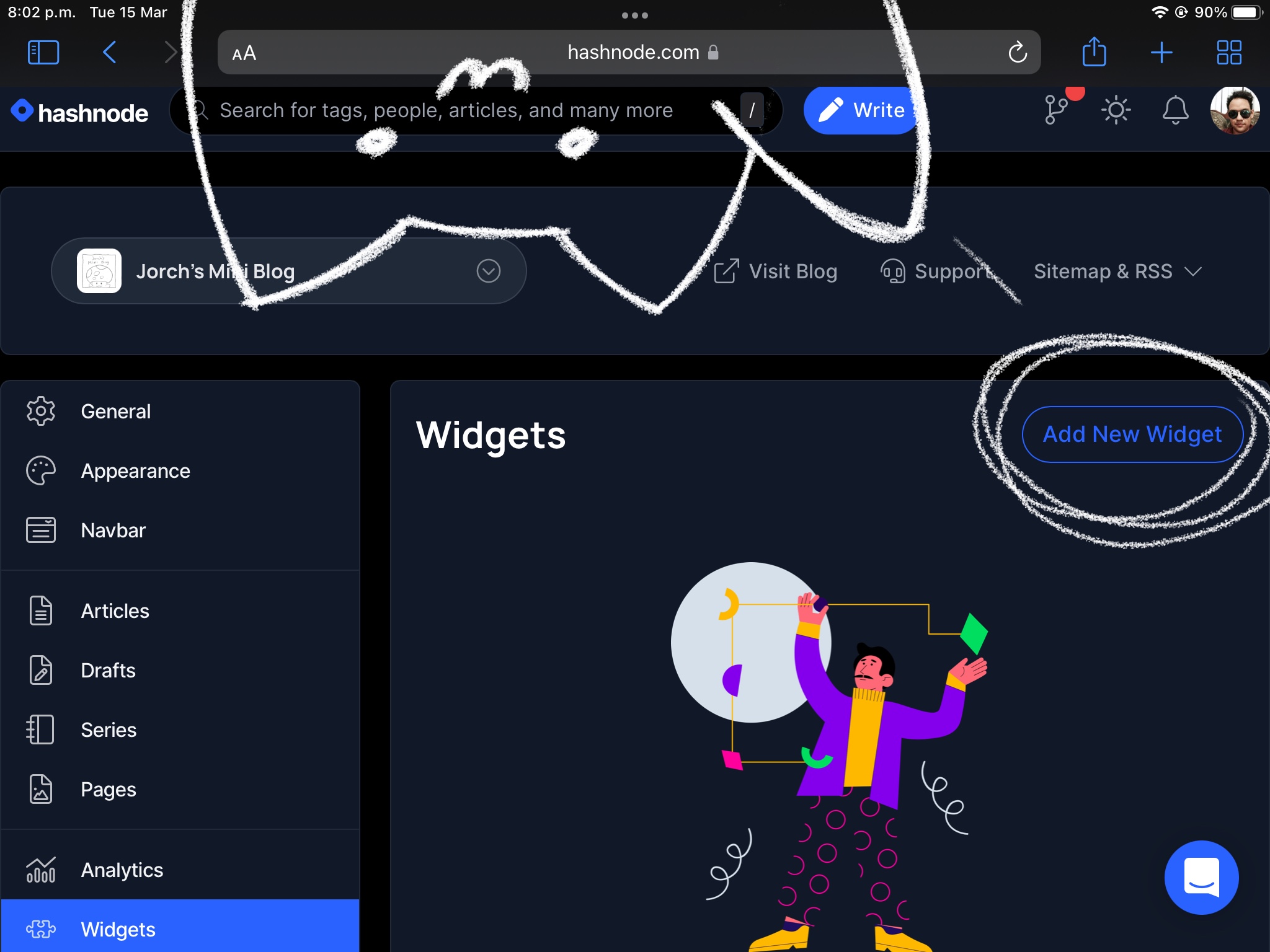
Add the widget's code. Note that we will have to sandwich out `script` tags on between `pre` tags.
``` html
```
Note that I set up the `data-height` and `data-preview-width` attributes to adjust my preview window size.
Once all setup is done, using the widget is trivially simple.
Just add
```
%%[p5widget]
```
to your blog post's markdown.
# Check it out!
%%[p5widget]
## A word of caution
I found hashnode's widget feature to behave a little bit wonky. I had a bug where I can't create a new widget with the same name as one I previously deleted.
And I'm not completely sure this widget works on safari on Mac. But I know it works fine in Firefox on Ubuntu.
(Update) I just confirmed that it works in my Mac with safari. As well as on iPadOS.
# Epilogue.
I'm kinda improvising this one (that is, more than the usual).
I tend to accumulate things. Get easily distracted, and fly off the tangent. So I have like 10 unfinished drafts that I am too inattentive to care about right now. I wrote a lot today. But it was a complete incoherent mess.
I just got a flu (at least I think its a flu). And some of my old nasty covid symptoms are flaring up. Most importantly, I just cannot focus right now.
And I'm having flashbacks of 2020 \*plays sad tiny-violin music\* XD
I'll take a few days off :D
...
On the other hand. This is my very first practical post with a small project that I set out to figure out from scratch completely on my own! Of course I saw several posts with tutorials, but I started with only some vague idea of what I wanted.
It was wild. Frustrating when things just plain didn't worked...
And stupidly fun!
...
See you tomorrow? (I might be able to write anyways, or have a guest post soon!)
---------
Do you like my stuff? Do you want to help me keep doing it?
