

The sole idea of making plans goes sorely against my grain. I struggle a lot to work with any regularity. I tend to overplan or overestimate what I can achieve. And get distracted very often.
But hey, I'm giving it a shot. I have some tools at my disposal!
Kanban board
I have been using a Kanban board since last month. After reading Kanban in Action
Here's a picture of my board!
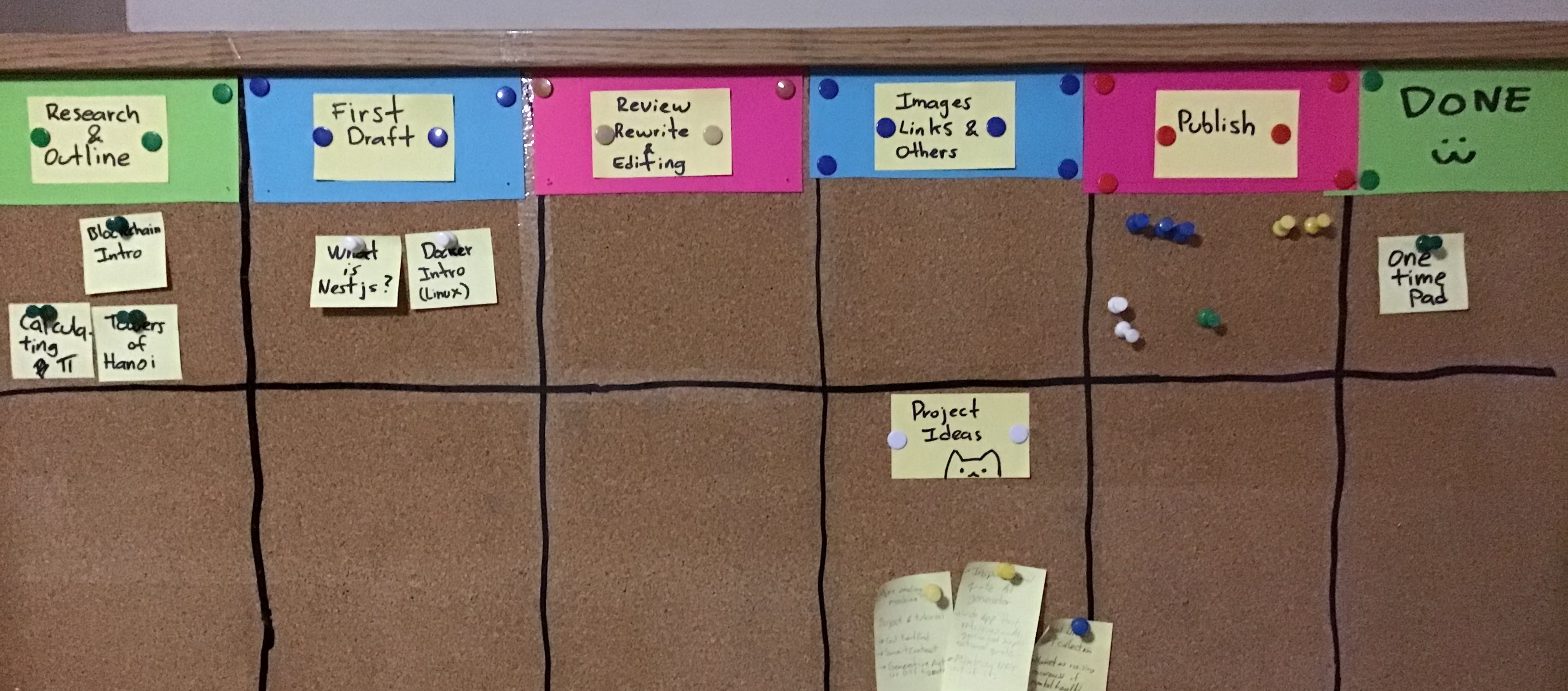
The basic principle behind it is to focus more on the flow of work items rather than how many of them you complete. That's great news for me because I get really anxious thinking about the number of things I need to achieve. Experience tells me that I always fall short with such planning.
The way I use It (for blog posts) is that each post-it represents a particular blog post I am currently working on (spoilers!). And each column represents each stages of work necessary to finish it and publish it. Things like research, draft, rewrite, and so on.
Pomodoro log
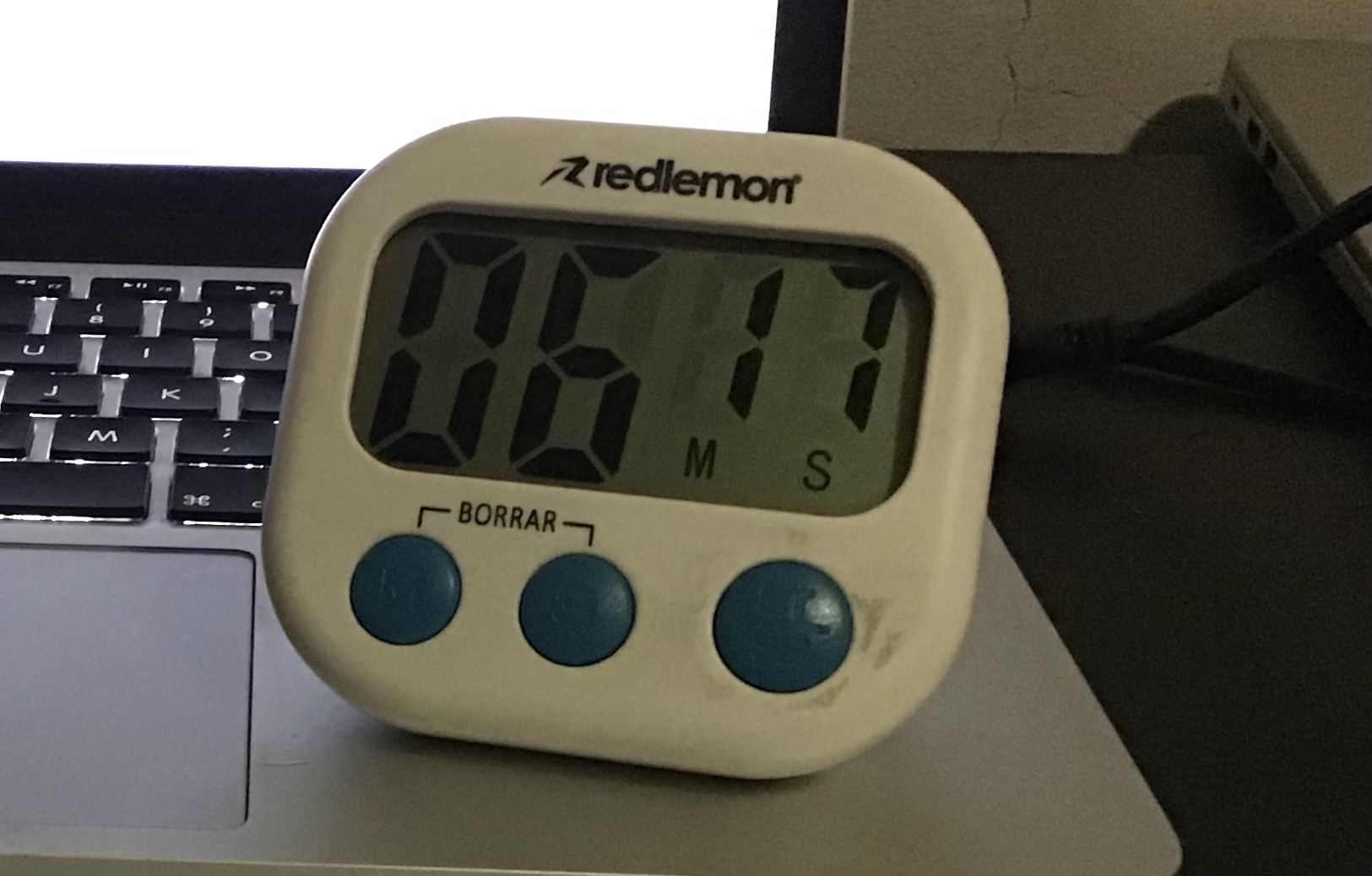
I use a simple kitchen timer set to 25 minutes.
And a notebook with a monthly grid.
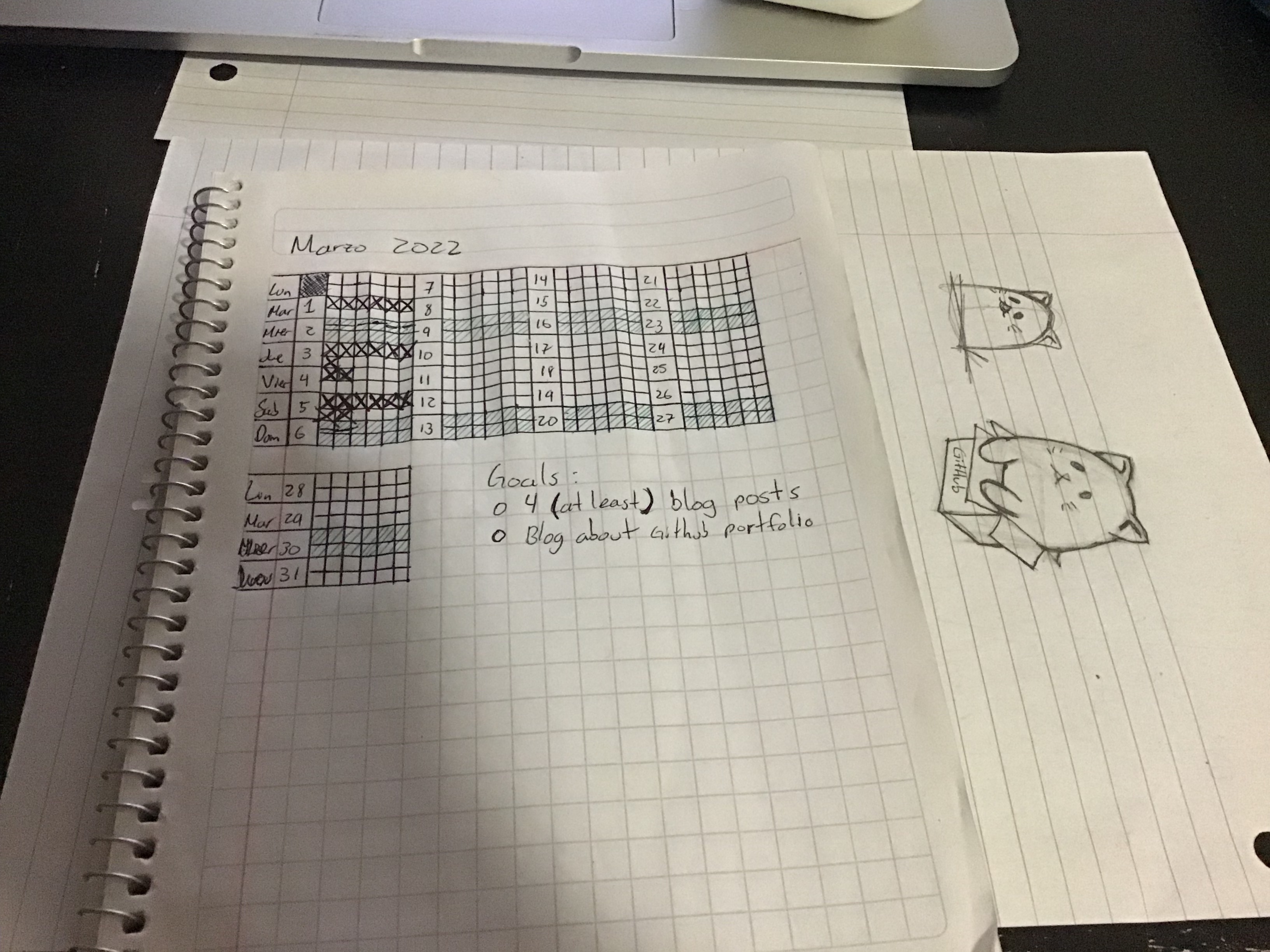
As you can see, up until this day it is nothing short of a mess. I miss quite a lot of my goals, which are to fill all daily cells with 25-minute blocks of work. Often times I just get distracted before actually marking down a cell I just completed. Other times I get distracted before starting the timer. By the time I remember an hour or so has passed.
The 5-point sheet outline
I don't know if it is a named technique, I just call it that. Here, take a look at the outline for yesterday's post
Its very simple. I just note down around 5 different points I want to make. While researching the topic. That works as a guide for outlining and drafting the post.
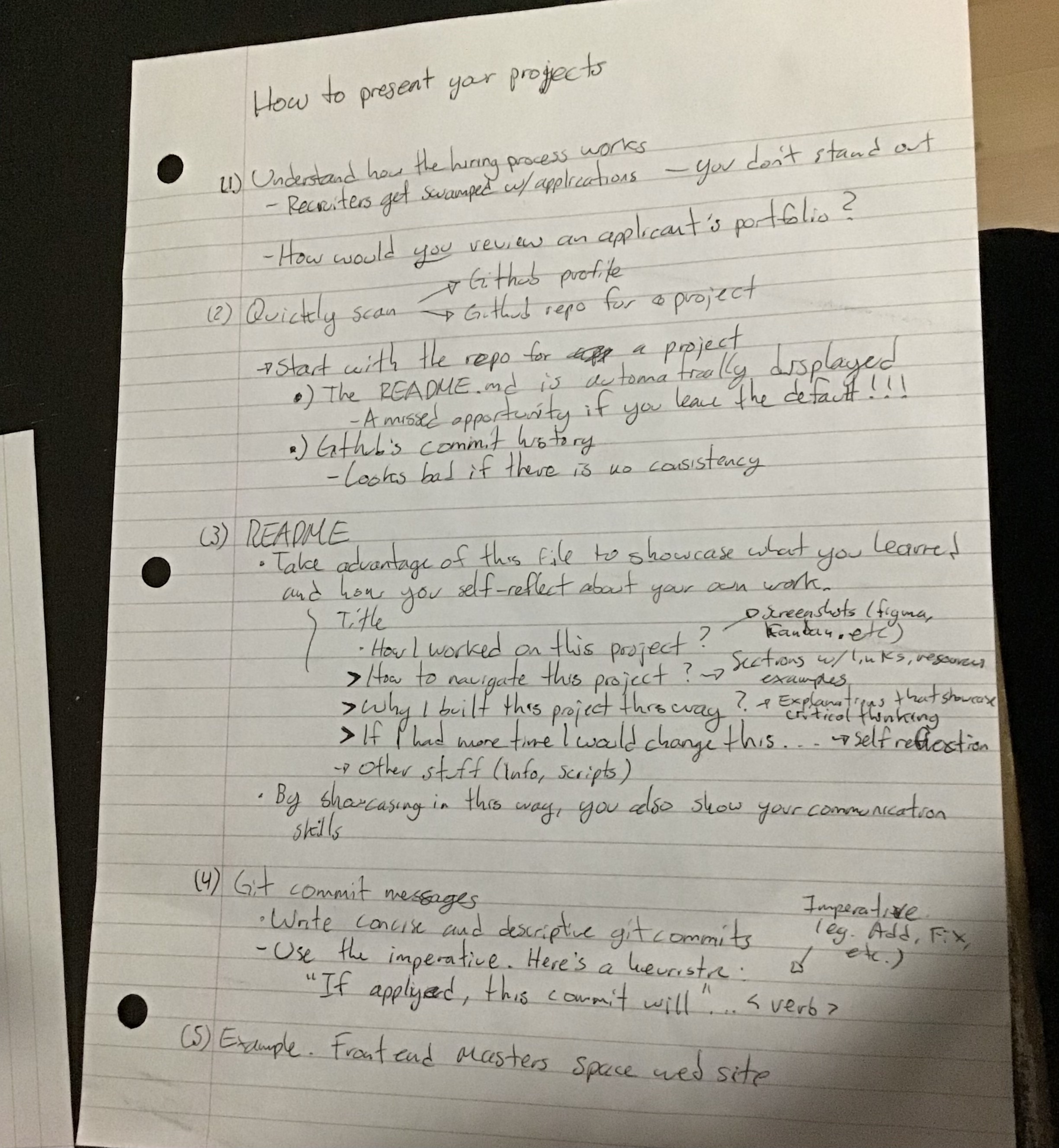
I also use the back of the sheet to sketch the blog's thumbnail :)

Epilogue
This coming week I want to focus on setting up my linkedIn and GitHub profiles. And do some research on setting up SEO. As well as reading about blog monetization! (hey, a dude can dream right?)
I will be using these techniques. And sharing my outcomes here, of course.
Let's see how it goes!
See you tomorrow!

About the author
I like programming and learning about stuff I find interesting. Particularly interested in functional programming and typing systems.
I have a background in Cognitive Science/Psychology and Mathematics. Sadly halted due to physical and mental health issues arising from getting Covid. Which unfortunately hit me quite hard back on 2020. I'm still dealing with some sequels so I would prefer working from home.
I find it fun trying to find insights that cut across disciplines. I tend to favor the "theoretical" side of things. But I also try to get as much hands-on experience as possible.
I am writing a blog. Trying to share what I learn, and that others might find useful. I try to focus on the unique things I can bring to the table. Hoping to add value to the life of other developers. I always have a thousand ideas racing through my mind, so I don't have any trouble coming up with ideas on what to write. If any, I have a hard time cutting down on the number of things I want to write about :D
On a personal note. I have always been quite solitary and introverted. But I don't think I'm shy. I love videogames and started programming because I wanted to make my own.
Comments
Join the discussionYou're creative. I admired the Kanban board strategy which I just came across while reading about software development. I loved your cute illustrations of cats for using them as templates for the thumbnails. I am just curious to know how you make it digital- do you scan the pic or redraw it in some paint app?
Thanks Swati Sarangi. I highly recommend the Kanban in Action book, published by Manning.
I just sketch with pencil and paper and take a picture with the camera. Then I can draw over in a new layer.
I use the procreate app on my iPad. I also have used Krita, which is super nice and its free and open source.
Writing Everyday!
I want to make it a habit to write daily. So I will challenge myself to write *something*, everyday. Lower your expectations...


